
Every answer, in the tools your team uses
Send each survey answer to Slack, Microsoft Teams, Jira, Linear or HubSpot on rules you set, and let an AI assistant such as Claude or ChatGPT read the results.

An answer helps only when it reaches someone who can act on it. Usertick sends each answer to the tools your team already works in, on rules you set, and lets your AI assistant read the results for you.
Workflows on every plan
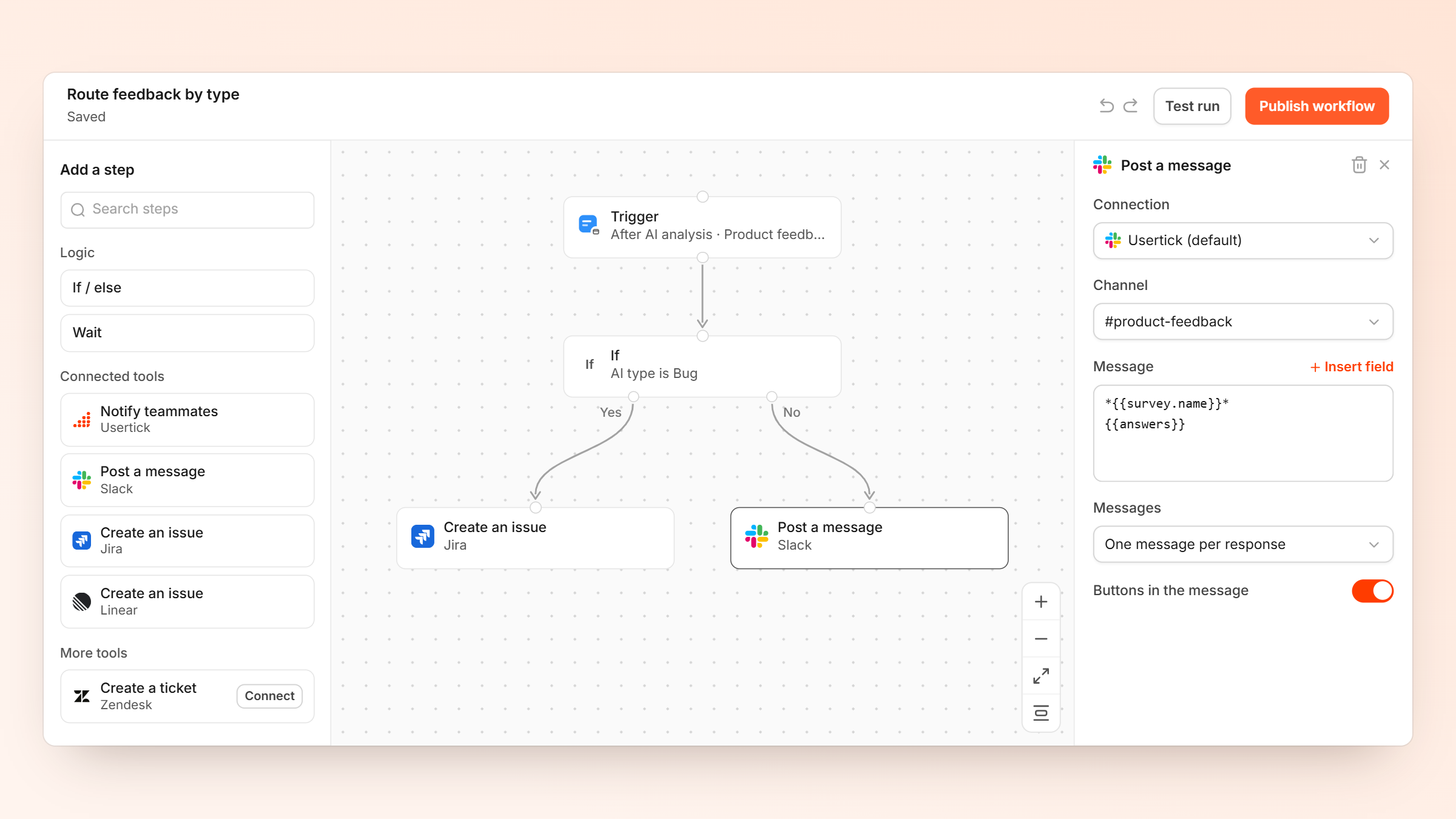
A workflow starts when an answer arrives, after the AI has read it, when it is urgent, or when a score crosses a threshold you set. It checks the conditions you choose, such as a low score, a theme or a negative sentiment, and then takes its steps: notify a teammate, assign the answer to someone, or send it to another tool.
Workflows come with every plan, Free included, with 1 workflow per survey on Free, 3 on Starter, 10 on Pro and 25 on Business. Workflows
Where answers can go
- Slack and Microsoft Teams. Each answer arrives as a card in the channel you pick, with buttons to assign it, set its status or change its type without leaving the chat.
- Jira and Linear. An answer becomes an issue, and when the issue's status, assignee or comments change, the answer in Usertick follows.
- HubSpot. Answers update the contact's properties, and a HubSpot workflow can send a Usertick survey by email.
- Google Sheets, Zendesk, Mailchimp and BigQuery. A row for each answer, a ticket, a list update or a table for your own analysis.
- Zapier reaches the tools beyond these.
- Webhooks send each answer, signed, to your own endpoint, on every plan.
Every connection is set up from Usertick in a few clicks. Integrations
Ask your AI assistant about your results
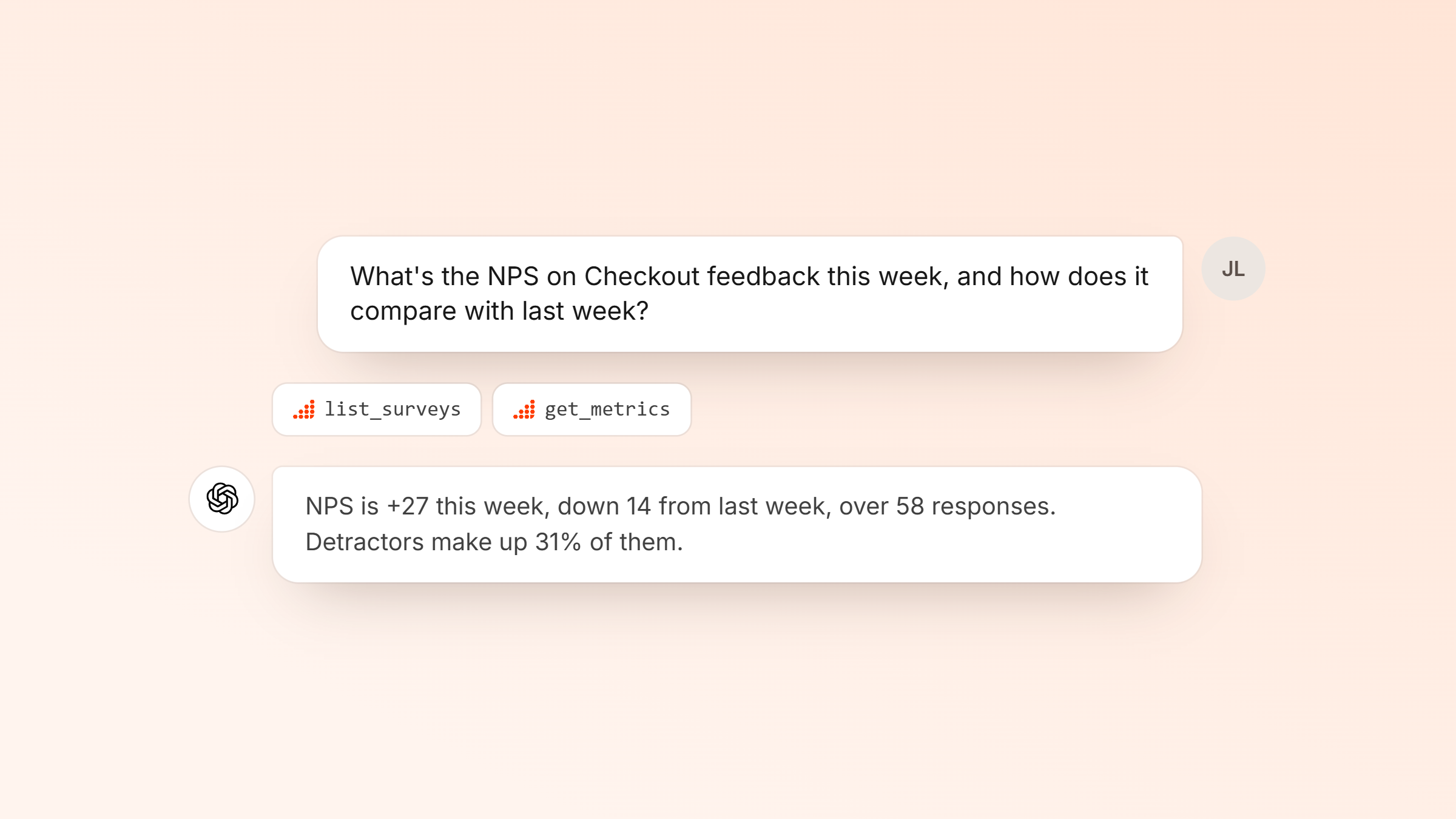
On Starter and above, the Usertick MCP server connects an assistant such as Claude, ChatGPT, Claude Code, Cursor or VS Code to your organization. You sign in to Usertick and choose what the assistant may read or change.
Then ask in plain words: how NPS moved this month, what customers say about checkout, or which urgent answers nobody has picked up. The assistant can also draft a survey or a dashboard for you, and publishing stays with you in Usertick. Usertick runs no AI model for these requests, so they use none of your AI credits. Developers
For developers
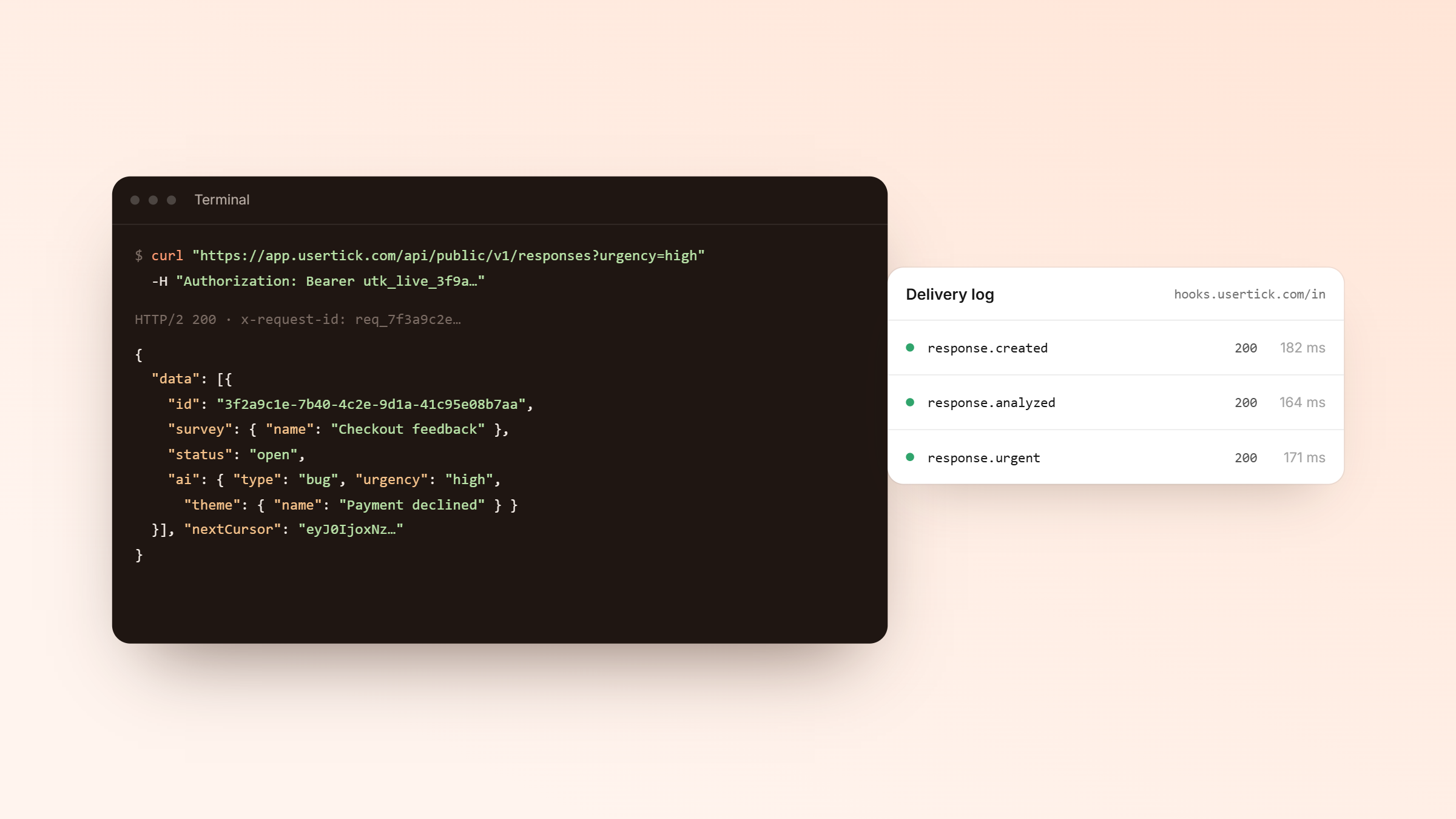
The REST API on Pro and above covers surveys, responses, metrics, contacts and exports, and webhooks report six events, from a new response to a theme that is spiking. The API documentation has every endpoint.
Get started
Connect your first tool from Integrations in Usertick, or build a workflow from a template. Get started free
More news
How Usertick protects your survey data
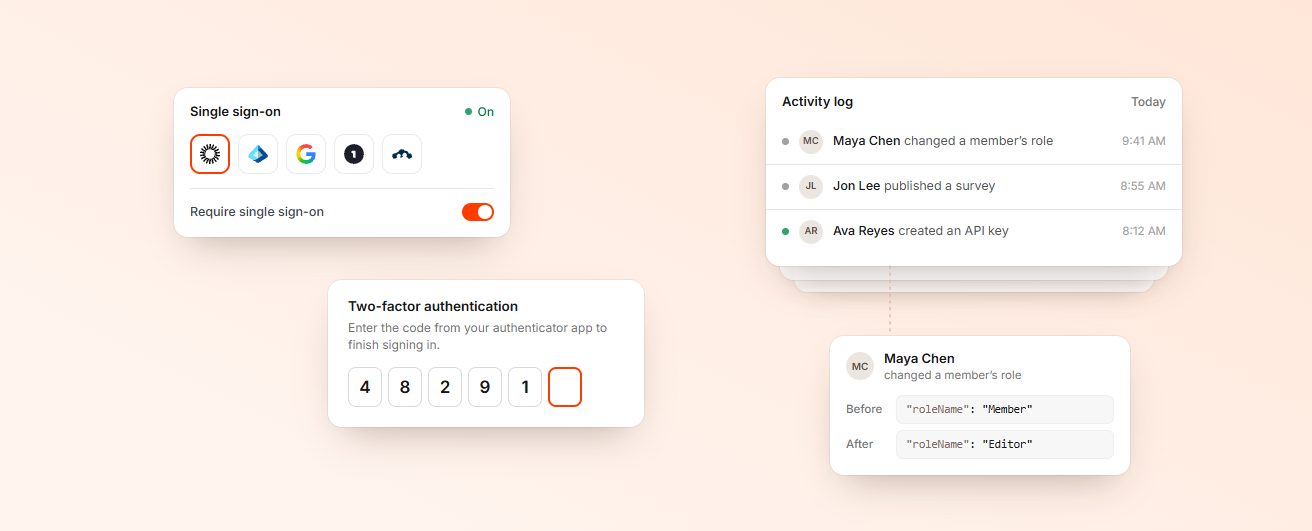
Where Usertick keeps your data, how it stays up when a data center fails, who can sign in and what the survey widget never stores about your visitors.
Usertick is live
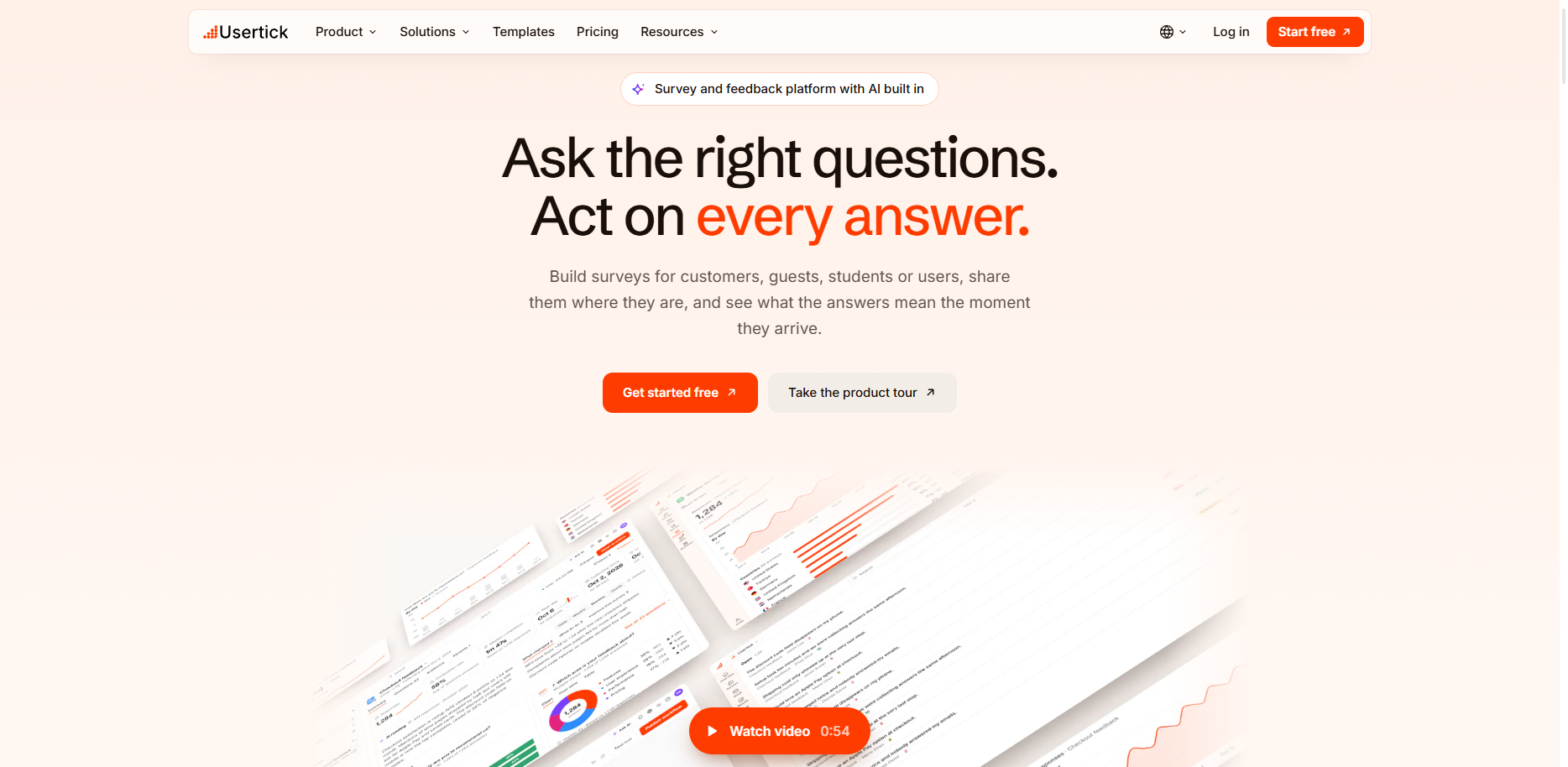
Usertick is open to everyone. Ask on your website, in email or by QR code, have every written answer read, and send each one to the person who can act on it.
Listen better, act faster, and build what truly matters.
Start free, see what your customers mean, and get each answer to the person who can act on it.
- 150 responses a month on Free
- Every channel and AI analysis
- No card needed