
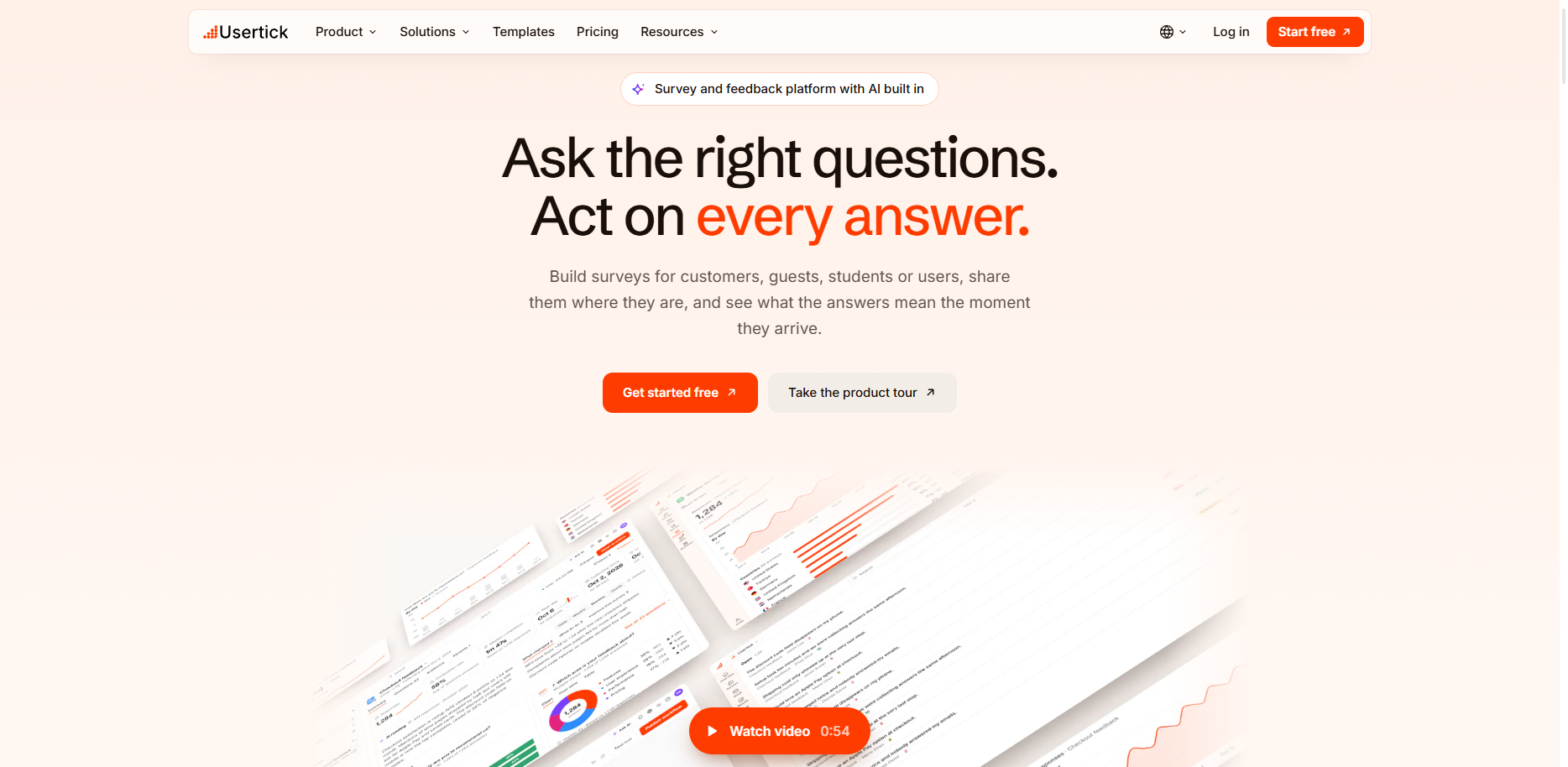
Usertick is live
Usertick is open to everyone. Ask on your website, in email or by QR code, have every written answer read, and send each one to the person who can act on it.

Usertick is open for sign-ups. Build a survey, put it where your customers already are, and see what every answer means without reading each one by hand. Each answer then goes to the person who can do something about it.
You can start on the Free plan today, with every channel and AI reading included.
Ask where your customers already are
A survey runs where the question makes sense:
- On your website, as a popup, a side button or a card inside the page. Show it on exit intent, after a scroll, when someone hesitates or on a page you pick, and target it by page, device, country or visitor type. Website surveys
- In an email, sent by Usertick to your contacts, with the first question inside the message so one click answers it. Email surveys
- At a link or a QR code, on a survey page of its own, ready for a receipt, a table or a slide. Link and QR code surveys
- As a conversation, one question at a time in the chat layout. Conversational surveys
Start from a template written for your industry, or describe what you want to learn and get a first draft from AI. Survey templates
Every written answer gets read
Usertick reads each written answer as it arrives, in any language, and files it by category and theme with its type, sentiment and urgency. The reading runs on every plan, Free included, so the comments that can't wait reach someone first.
Each period also gets a written reading of what changed and what to do next. Results, dashboards and scheduled reports by email, Slack or Microsoft Teams keep the numbers in front of your team. AI analysis
Each answer reaches someone who can act on it
Every answer from every survey lands in one inbox, with folders from Open to Resolved and a person assigned to it. Inbox
Workflows send answers to Slack, Microsoft Teams, Jira, Linear, HubSpot, Google Sheets, Zendesk and webhooks, with conditions on the answer and on what the AI read. Zapier reaches the tools beyond those. Workflows
On Starter and above, the MCP server lets an AI assistant such as Claude or ChatGPT read your results, and on Pro and above the REST API covers the rest. Developers
What it costs
The Free plan includes 150 responses a month, 3 surveys and 2 members, with every channel and AI reading. Paid plans are priced per organization, whatever the number of members, and every plan shares one monthly response limit across all surveys and channels. Pricing
Get started
- Create your organization. Get started free
- Add your site's install code, or share a survey link if you don't need the website.
- Publish your first survey and watch the first answers arrive.
The setup guide for each platform is in the documentation.
More news
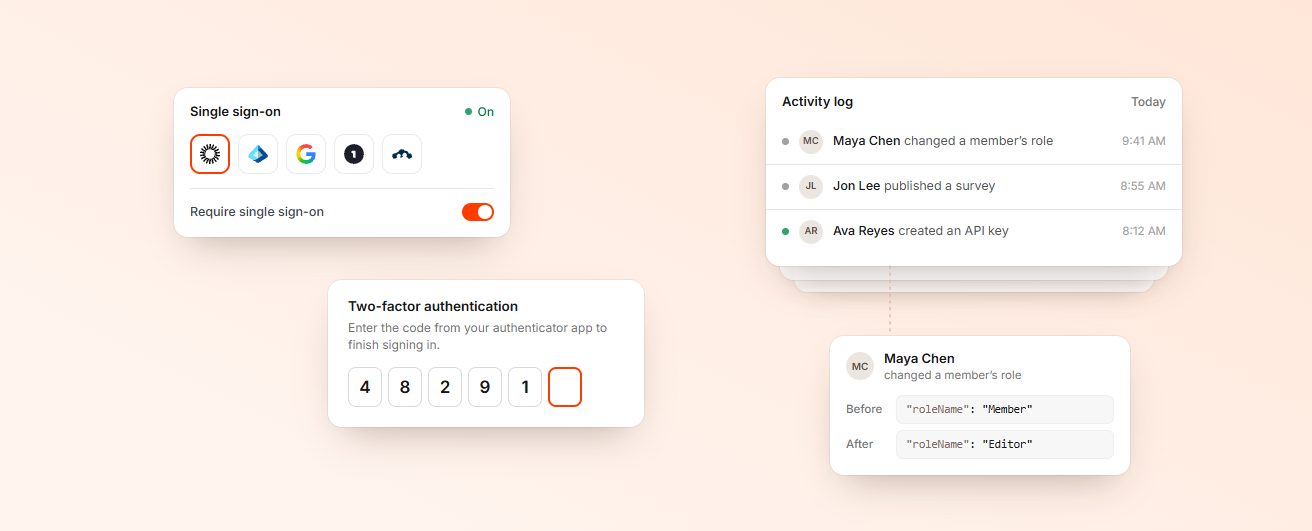
How Usertick protects your survey data
Where Usertick keeps your data, how it stays up when a data center fails, who can sign in and what the survey widget never stores about your visitors.
Listen better, act faster, and build what truly matters.
Start free, see what your customers mean, and get each answer to the person who can act on it.
- 150 responses a month on Free
- Every channel and AI analysis
- No card needed