
Usertick
In-store pickup survey template

See how pickup really goes, from the counter to the car

Four quick questions for customers who picked up an online order: how easy it was, how long they waited at the counter, whether the order was complete and correct and how the staff did. Send it by email or share the link, and add an open question when you want written comments, which Usertick reads for you.

What this in-store pickup survey tells you

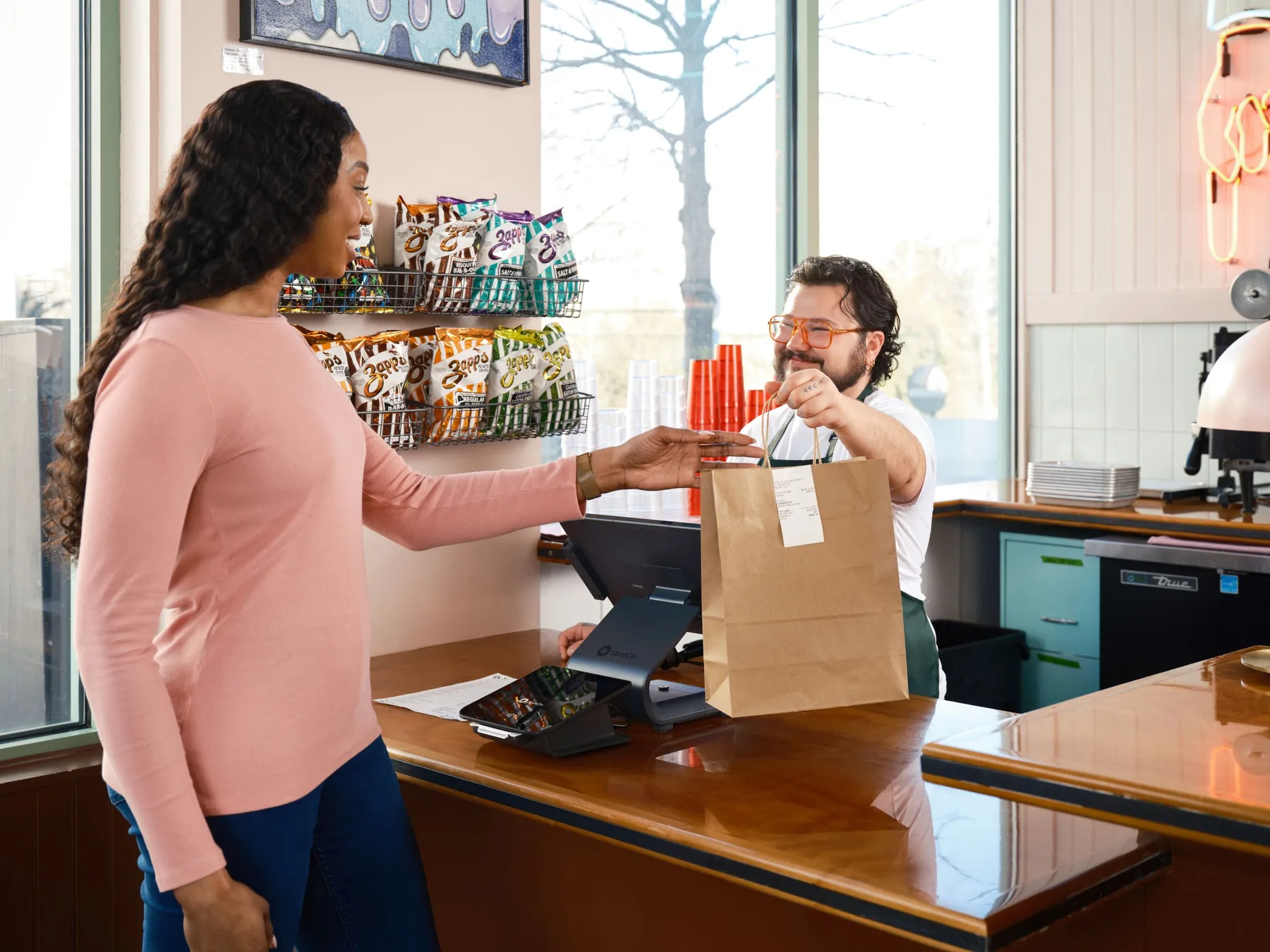
An in-store pickup survey asks customers who ordered online and collected in store how the handover went, the part of the order that happens away from your website. This template keeps it to four questions and about 30 seconds: an effort score for picking up, the wait at the counter in minutes, whether the order was complete and correct, and a star rating for the staff.

It is written for an email on the day of pickup, while the visit to the counter is still fresh. Usertick sends it to a contact list now or at a scheduled time up to 30 days ahead, and the first question can be answered inside the email. The link also fits your own pickup confirmation email, and the survey's QR code can sit on the pickup counter or on the bag.

Results shows the effort score, the median wait with the middle half of waits, the share of correct orders and the staff rating, each compared with the period before. Add an optional open question and Usertick reads every written answer as it arrives, filing it under a category such as stock and availability with a type and an urgency.

In an emailAs a linkOn your websiteAs a conversation
Questions
4
Time to answer
Under a minute
Written for
An email on the day the order is picked up
Plans
Every plan, the free plan included

See it on every channel

The same template on your website, behind a link, in an email and as a conversation.

In an email

Send it from Usertick to a contact list, with the first question inside the email. A tap on an answer opens the rest of the survey with that answer already kept. Usertick sends 50 emails a month on the free plan, or connect your own sender.

The 4 questions, one by one

What each question asks, why it is there, what it shows you and what to change.

Question 1 of 4 · Customer effort

How easy was it to pick up your order?

Why ask it
Pickup is meant to save the customer a wait for delivery, so effort is the measure that matters. A 7-point scale shows small frictions such as finding the counter or proving the order is theirs.
What you learn
Results shows the average on the 1 to 7 scale, the share who found pickup easy and a hard-to-easy bar, against the period before.
Make it yours
Keep it first, since it can be answered inside the email with one tap.
Question 2 of 4 · Ruler · Optional

How long did you wait at the counter?

Why ask it
Wait time is the number store managers can act on, by staffing the counter or staging orders before customers arrive. A ruler from No wait to 20+ min gives you minutes instead of impressions.
What you learn
Results shows the median wait and the middle half of answers, so a run of long waits is visible even when the typical wait is short.
Make it yours
Run one copy per store, or add a question that names the store, so each location's wait has its own median.
Question 3 of 4 · Yes / No

Was your order complete and correct?

Why ask it
A missing item at pickup means a second trip, which undoes the reason the customer chose pickup. A plain yes or no makes errors easy to count.
What you learn
Results shows the share that said yes against the period before. Select No to see the effort scores and staff ratings that came with those orders.
Make it yours
On every plan, a workflow can post every No to the store team's Slack or Microsoft Teams channel, so the missing item reaches the customer the same day.
Question 4 of 4 · Stars

How would you rate the staff who helped you?

Why ask it
The person at the counter is the customer's only contact with your store during pickup, and a rating separates their service from the wait and the accuracy.
What you learn
Results shows the average rating, a bar per rating and the share who rated 4 or higher. Select a low rating to see whether a long wait came with it.
Make it yours
Add an optional open question after it, so customers can say what happened and Usertick can file each comment under a category.

What the answers show

Results turns each question into numbers you can follow week by week.

How easy was it to pick up your order?

The average on its own scale and the share who found it easy, against the period before and by device.

Use this template in four steps

From the template to the first answers.

  1. 1

    Open the template

    Sign up free and pick In-store pickup in the template gallery. It opens in a matching style, ready to change.

  2. 2

    Make the questions yours

    Reword any question, change the options, and add logic or more questions.

  3. 3

    Choose where it runs

    Show it on your website, send it by email, share its link and QR code, or switch it to a conversation.

  4. 4

    Publish and read the answers

    Answers arrive in Results and the inbox as people send them, each written one read and filed by Usertick.

Tips for this survey

Small choices that keep people answering and the answers useful.

  1. 01

    Send it the same day

    Usertick doesn't send on a pickup event, so send or schedule the survey for the day's pickups from your store's order list, or put the link in the pickup email your store sends.

  2. 02

    Compare stores one by one

    Results doesn't split answers by link tag, so duplicate the survey for each store, or start with a dropdown that names the location, and compare waits store by store.

  3. 03

    Put the code on the counter

    Place the survey's QR code on the pickup counter or the bag for customers who skip their email. Scanned answers arrive with the rest.

  4. 04

    Give managers their numbers

    Put the wait and the accuracy share on a dashboard for store managers, and set an alert for when the average effort score drops below a line over 7 days.

More customer effort templates and questions

Templates like this one, and single questions from the library to add to it.

Customer effortReturns and refundsMeasure how easy your returns process is and learn the real reasons products come back. Send it once the refund has been issued.
Customer effortDid you find it?Find out whether shoppers found what they came for and what you don't stock yet. Show it after two minutes of browsing or on exit intent.
Customer effortDiscount code experienceCheck that discount codes work the first time and learn where shoppers find them. Show it on the confirmation page when a code was used.
Customer effortTask effort reviewMeasure the effort and time a key task takes, and find the step that slows people down. Show it after someone finishes a long task, such as an import or their first report.

Questions from the library

Browse the question library
  1. How easy was picking up your order?Customer effort · Store pickup and local
  2. How many minutes did you wait at pickup?Ruler · Store pickup and local
  3. Was the order complete when you picked it up?Yes / No · Store pickup and local
  4. Was the checkout process easy?Yes / No · Ecommerce

Frequently asked questions

On the day of pickup, within a few hours, while the visit is fresh. Usertick has no trigger for a pickup event, so send it from a list of the day's pickups or link it from your own pickup email.

Run one copy of the survey per store, or add a first question that names the store and filter Results by it. Tags on the link stay with each answer for workflows, Google Sheets and webhooks, but Results doesn't split answers by tag.

Yes. Change question 2 to the wait in the parking lot, and reword the staff question for the person who brought the order out.

Minutes are easier to act on than a rating. The median shows the typical wait, and the middle half shows how much waits vary from one visit to the next.

Yes. The effort score sits inside the email, and a tap opens the rest of the survey with that answer kept. The response is stored when the customer submits.

Yes. Every template comes with every plan, the free plan included, and the free plan covers 150 responses a month across your surveys.

Yes. The template becomes your own survey, so reword any question, add or remove questions, and change the options and the logic. The gallery stays as it is.

Yes, from Starter. The template is written in US English. Add languages by hand or with AI translation, and each person sees the survey in their browser's language.

Listen better, act faster, and build what truly matters.

Start free, see what your customers mean, and get each answer to the person who can act on it.

  • 150 responses a month on Free
  • Every channel and AI analysis
  • No card needed