


Every hotel and outlet side by side
Give each property, restaurant or spa its own survey, and put their ratings next to each other on one dashboard.
Ask at the table, in the room and the day after check-out, by QR code, email and your booking site. Usertick reads every comment in the language it was written in and sends the urgent ones to the front desk.
Hotel guest surveys often arrive after check-out, when a cold shower or a slow breakfast can no longer be put right. Guest feedback surveys work best at two moments: during the stay, from a code in the room or on the table, and the day after, by email, for the stay as a whole.
With Usertick, a QR code on a table card, a room card or the bill opens the survey page on the guest's phone, in the language of their browser. The email after check-out puts the first question inside the message, and a popup on your booking site asks how booking went.
Every written answer is read as it arrives and filed under check-in, rooms, staff, booking or price, with its urgency. Workflows send urgent answers to the front desk's Slack or Teams channel, and a dashboard puts every hotel, restaurant or spa side by side.
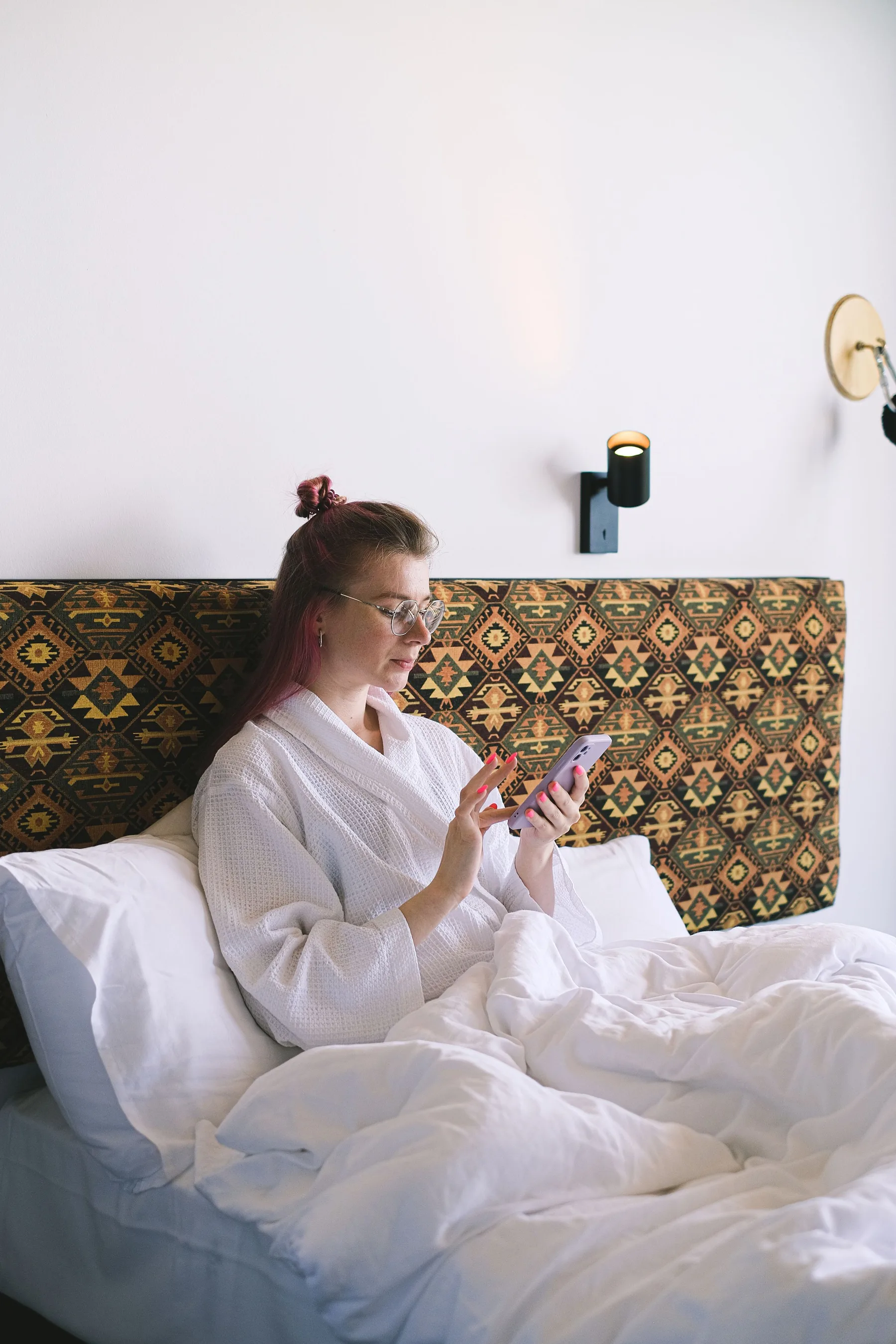
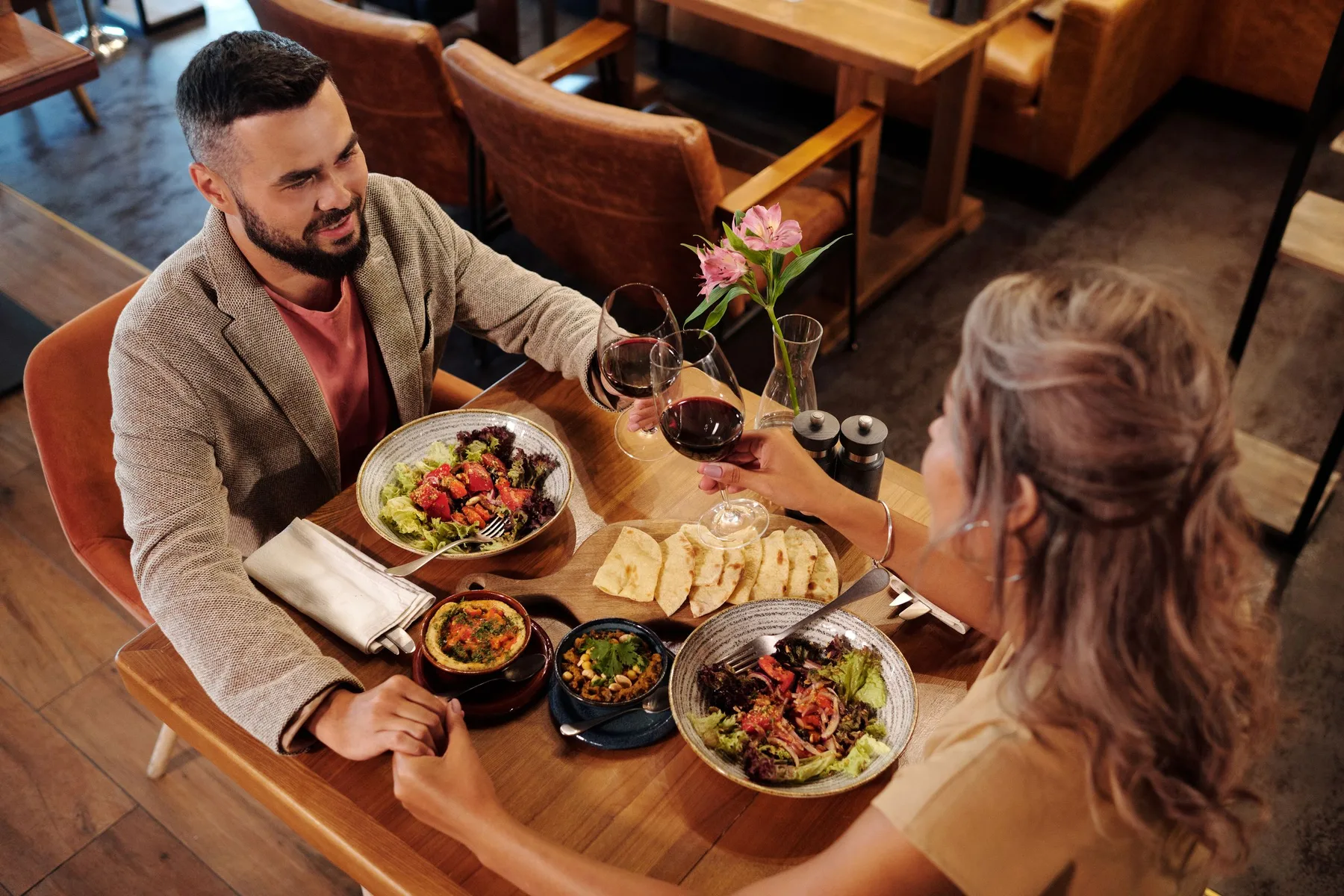
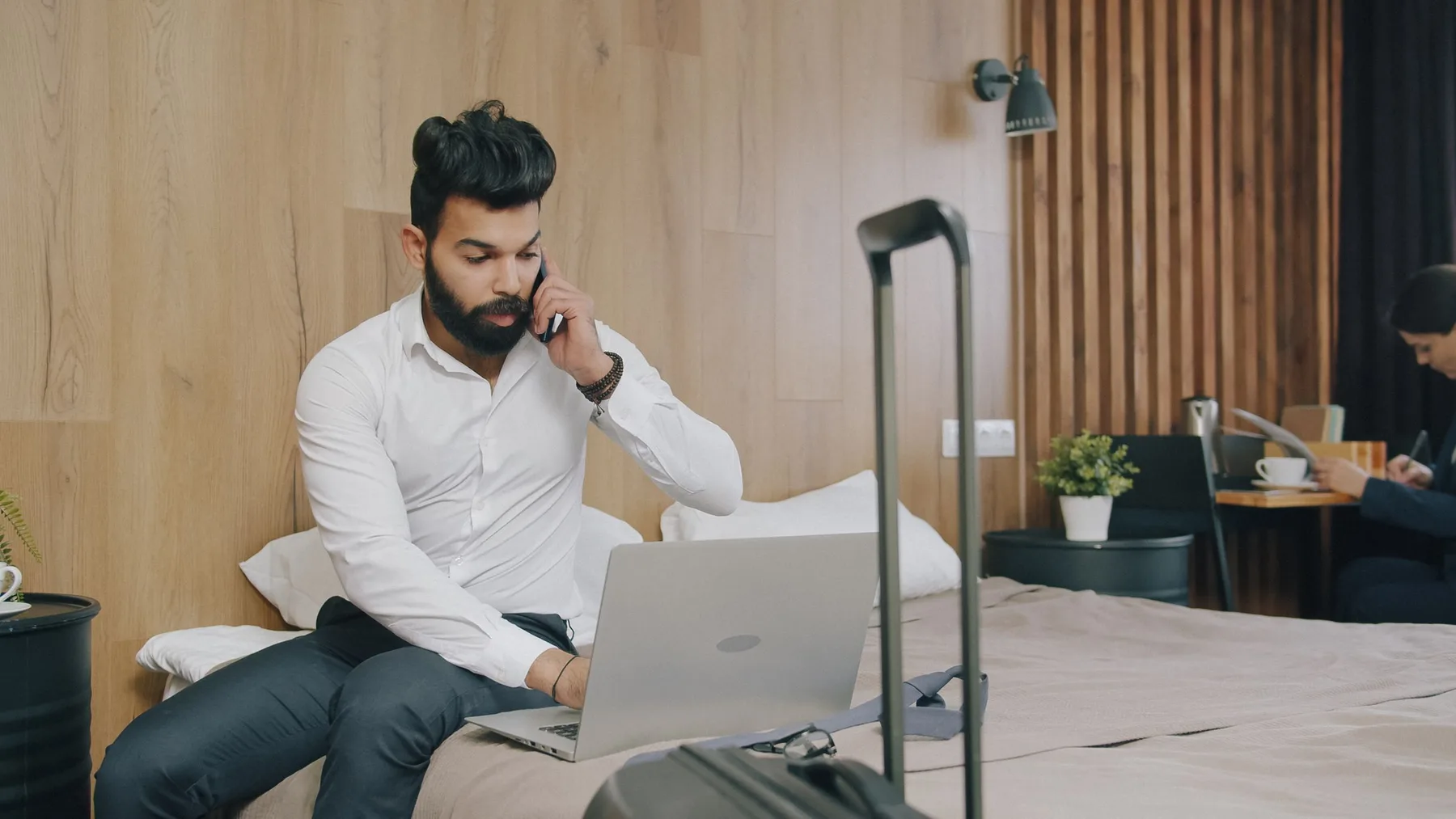
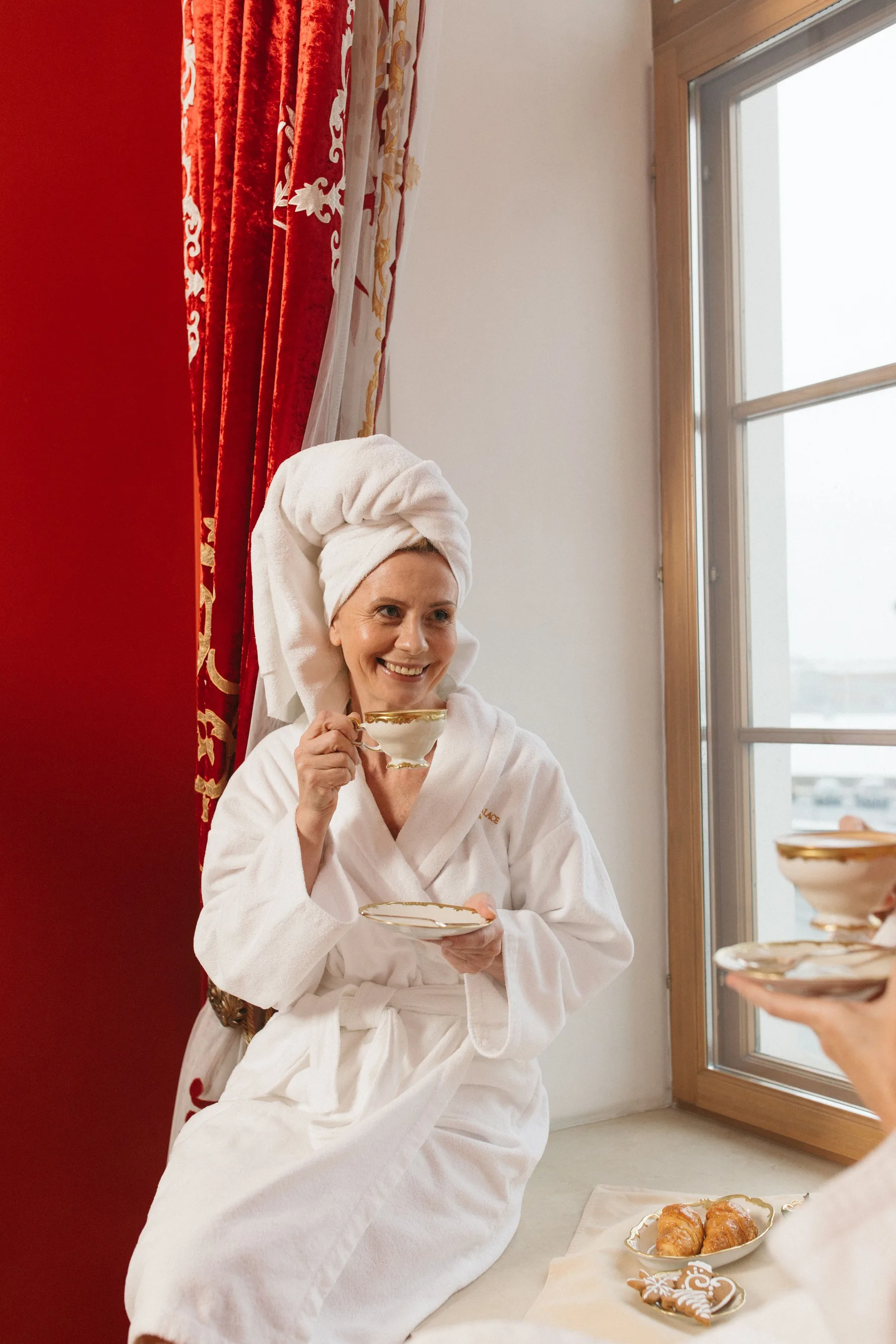
From the first coffee to the ride home, each moment gets a survey of its own.
Put the survey's QR code on table cards, menus or the bill. Guests scan it with the phone camera and rate the meal before they leave, with nothing to install.
Leave a card with a QR code on the desk, so guests can report a problem mid-stay while housekeeping can still fix it. A tag on the link, such as room-204, comes with every answer.
Email the day's departures the stay survey, with the first question inside the message. One tap opens the rest of the survey with that answer kept.
Ask how booking went on the confirmation page, or ask what held a visitor back as they leave the booking page, on every plan.
Give each outlet its own survey and code, so every rating belongs to one place. Open a survey only on the days and hours you choose, such as breakfast time.
Results for every hotel, every outlet and every language your guests speak.
Give each property, restaurant or spa its own survey, and put their ratings next to each other on one dashboard.
Guests write in their own language, and Usertick reads each comment as written and files it under the same categories. Results shows the score for each guest language beside the overall one.
Choose travel and hospitality at sign-up, and every comment is filed under check-in, rooms, staff, booking, price or delays. A restaurant, a cafe or a spa can type its own sector instead, and Usertick drafts categories for it to check. Rename them on any plan, and add your own within your plan's limit, from 5 categories on Free to 30 on Business.
Workflows send answers by urgency, category or place, while the guest is still on site.
Post an answer to the front desk's Slack or Teams channel as soon as it reads as urgent, with buttons to take it and mark it resolved. Every plan.
Assign each complaint to the duty manager, leave notes for the next shift, and follow it from Open to Resolved in the inbox.
Add each answer to a sheet with its survey, language and page address, so the room or table tag on the link comes with it. Every plan.
Set a line, such as an average below 4 for breakfast over the last 7 days, and Usertick posts to Slack or Teams once it is crossed. Every plan.
Send each hotel's survey or dashboard as a PDF by email, Slack or Teams every week. Pro and above.
Send answers to your team chat, a spreadsheet, your CRM and your email tool, so what guests say reaches the people who run each shift.
See all integrationsFour steps from a template to answers at the front desk.
Pick Hotel stay, Restaurant visit, Check-out or Spa treatment, or describe your property to Create with AI.
Add the languages your guests speak, 3 per survey on Starter and every available language on Pro, and put your logo on the survey page from Starter.
Print the QR code on table and room cards, email the stay survey to each day's departures, and add the script tag to your booking site.
Add a workflow that posts urgent answers to the front desk's Slack or Teams channel, on any plan.
Six habits that keep guests answering and the team responding.
A room card or a table code catches the problem the team can still fix tonight. Keep the email after check-out for the stay as a whole.
Ask about the restaurant, the spa and the room separately, so each score points to one team.
A rating, a reason and one open question are enough on a table or a room card. Save the longer survey for the email.
Give every complaint an owner before the shift ends, and reply while the guest can still see the change.
Add the languages your guests speak most, so nobody has to answer in their second language.
When a guest names the person who helped them, share the answer at the next team briefing.
Start from a template written for a stay, a meal or a treatment, and change any question.
Ask guests at the table, in the room, on your booking site and in the email after check-out. Usertick reads every comment in the language it was written in, files it under check-in, rooms, staff or booking, and on every plan sends urgent answers to the front desk.
No. The phone camera opens the survey page in the browser, in the guest's own language when the survey has it. The page keeps nothing in the browser once the tab closes, and it is hidden from search engines.
Usertick draws one QR code for each survey. To tell rooms or tables apart, add a tag to the link, such as ?utm_source=room-204, and turn each tagged link into a code with any QR code tool. The tag travels with every answer to Google Sheets, webhooks and the API, and a workflow can route answers by it. To see an outlet on a Results page of its own, give it its own survey.
Usertick doesn't connect to property management systems. Import the day's departures as a list of emails and names, then send the survey or schedule it up to 30 days ahead. To reach returning guests again, turn off Skip people who already received this survey. You can also paste the survey's link into the post-stay email your own system sends.
Yes, from Starter. Each survey can carry 3 languages on Starter and every available language on Pro, and AI translation fills the empty texts. Guests see their browser's language, and every comment is read in the language it was written in.
On any plan, a workflow posts each answer that turns urgent to the front desk's Slack or Microsoft Teams channel, or notifies chosen teammates in Usertick and on the channels they picked. On every plan, the inbox keeps an Urgent view of the answers that can't wait.
Give each place its own survey, and put their ratings side by side on a dashboard. Free holds 3 surveys, Starter 10 and Pro has no limit. A website survey needs a site for its domain, 1 on Free and Starter, 5 on Pro and 10 on Business, and QR code and email surveys need none.
No. Usertick doesn't read, publish or answer reviews on review sites. On every plan, a Zapier step can invite a guest to review you on Trustpilot. Invite every guest, whatever their score, because Trustpilot's rules forbid inviting only happy guests.
Usertick never sets third-party cookies, and the survey page behind a QR code keeps nothing in the guest's browser once the tab closes. Turn on Anonymous responses for a QR code survey to store no user ID or visitor ID with the answers. Names and emails from a contact question never reach the AI.
QR code and email surveys, Results, AI reading and workflows to Slack, Google Sheets, HubSpot and Mailchimp come with every plan, with 3 surveys, 150 responses a month and 1 workflow per survey on Free. Starter adds 3 languages per survey, your logo on the survey page and 10 surveys, and Pro adds unlimited surveys, every language and scheduled reports.
Start free, see what your customers mean, and get each answer to the person who can act on it.